Edit Photos for Free With GIMP: A Beginner's Workflow
Learn a practical free photo-editing workflow with the open-source GIMP editor, from download through image export.
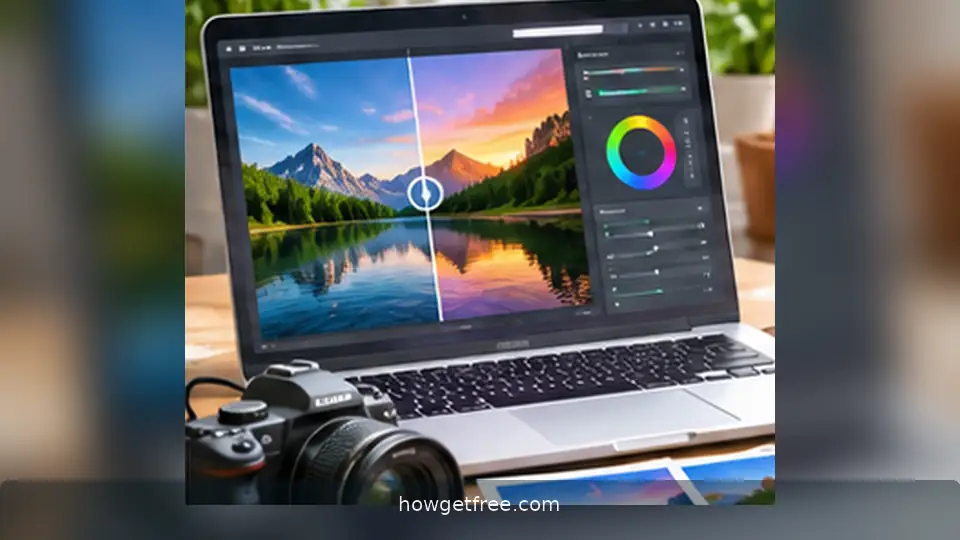
Learn a practical free photo-editing workflow with the open-source GIMP editor, from download through image export.
Get the genuine free editor
GIMP is a free and open-source photo editor for major desktop operating systems. Its standard tools support crops, adjustments, layers, selections and image exports without a subscription. It is more powerful than a basic phone editor, although a simple crop does not require new software.
Install it from the project's own website, not from an unfamiliar advertisement or download portal. A software product being free does not guarantee that every third-party installer is safe.
Keep the original untouched
Duplicate your photograph and edit the copy. For longer projects, save the editable layers in GIMP's native project format so you can revise decisions later. Keep a simple filename and folder structure you can understand in six months.
Decide where the image will appear: a website hero, a narrow social preview or a printable document. Its intended shape and dimensions should guide your crop.
Work from large changes to small ones
Straighten the horizon and choose a clear crop before adjusting colour. Increase contrast or brightness carefully; strong edits may remove useful detail in highlights, dark areas or skin tones.
Compare the edited view against the original frequently. If a correction improves only the thumbnail but ruins the full-size image, reduce the effect or use a more selective tool.
Export for web without unnecessary weight
Use JPEG for most ordinary photographs, PNG when lossless graphics or transparency matter, and WebP if your publishing workflow supports it. Resize the output to the dimensions actually needed instead of uploading an enormous camera original.
Inspect the exported result at normal screen size. Check that text and edges are sharp and that compression has not created obvious artifacts.
Respect rights and evidence
Only reuse third-party photographs when you have permission under the relevant license. Free editing software does not give you free copyright permission over photos found on the web.
For documentation and reviews, avoid editing an image in ways that falsely imply a product or location looks different from reality. Keep your original when authenticity matters.